Data Visualization App
Overview
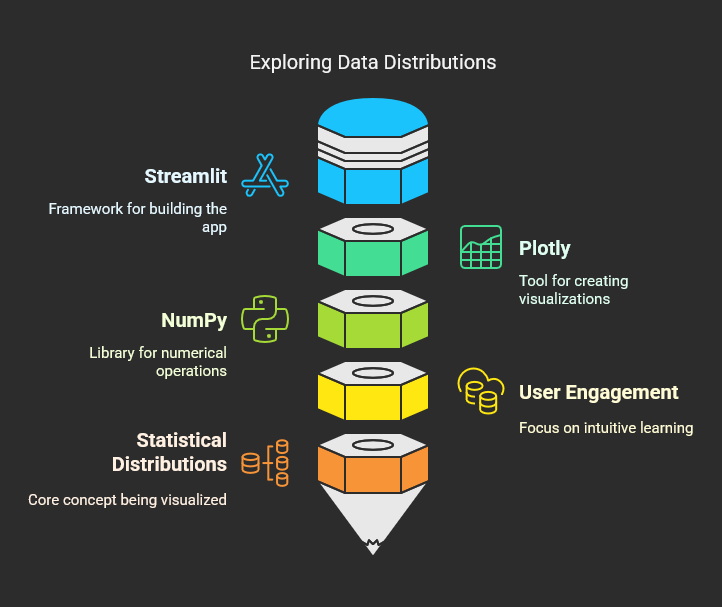
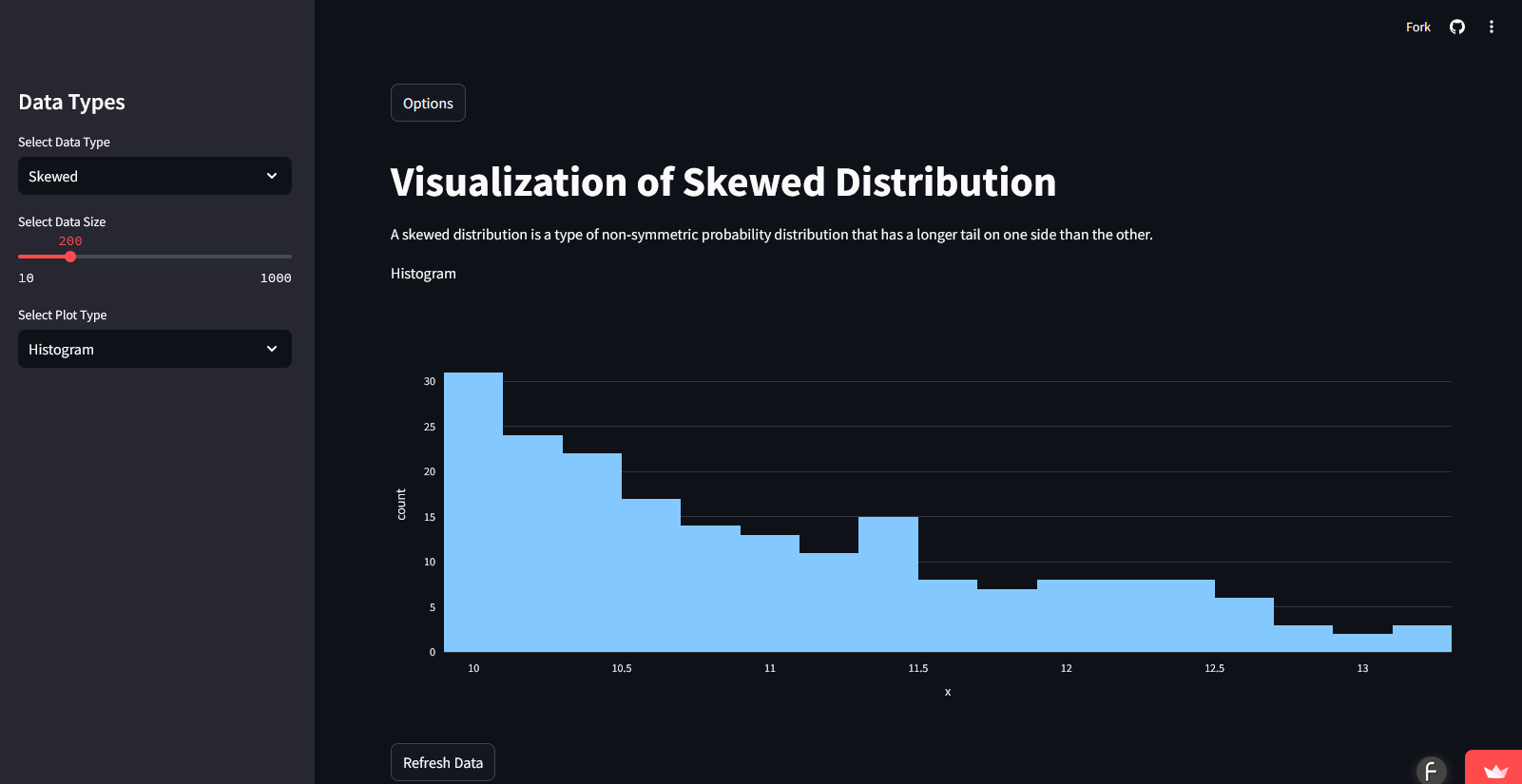
This Streamlit app lets you pick a statistical distribution, plot it, and change the parameters to see how the shape moves. I built it with Streamlit, Plotly, and NumPy as a way to learn the distributions by playing with them instead of reading about them.
Why Use This App?
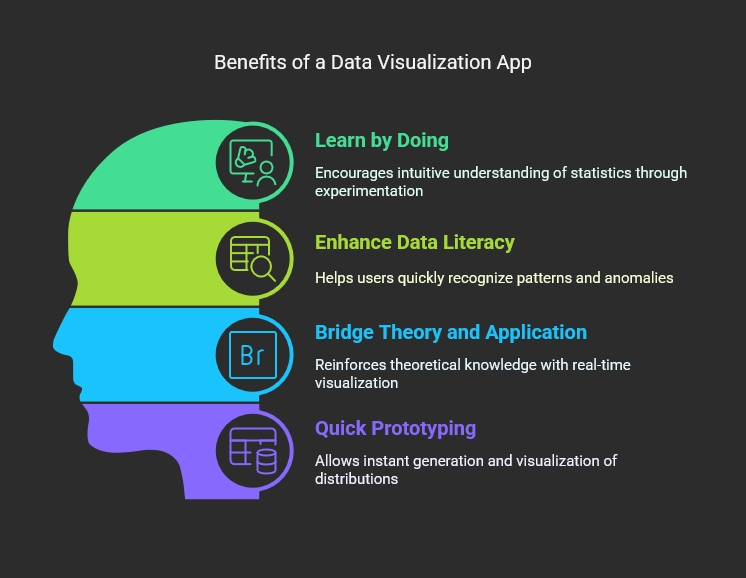
- Learn by Doing: Experimenting with different data distributions helps build an intuitive understanding of statistical concepts.
- Enhance Data Literacy: Visualizing data in various forms allows users to recognize patterns and anomalies quickly.
- Bridge Theory and Application: Students and professionals can use this tool to reinforce theoretical knowledge with real-time visualization.
- Quick Prototyping: Analysts and data scientists can generate and visualize distributions instantly without writing complex scripts.
How It Works
- Select a Data Type: Choose from a range of statistical distributions.
- Adjust Data Size: Use the slider to set the number of data points.
- Choose a Visualization: Pick from various chart types.
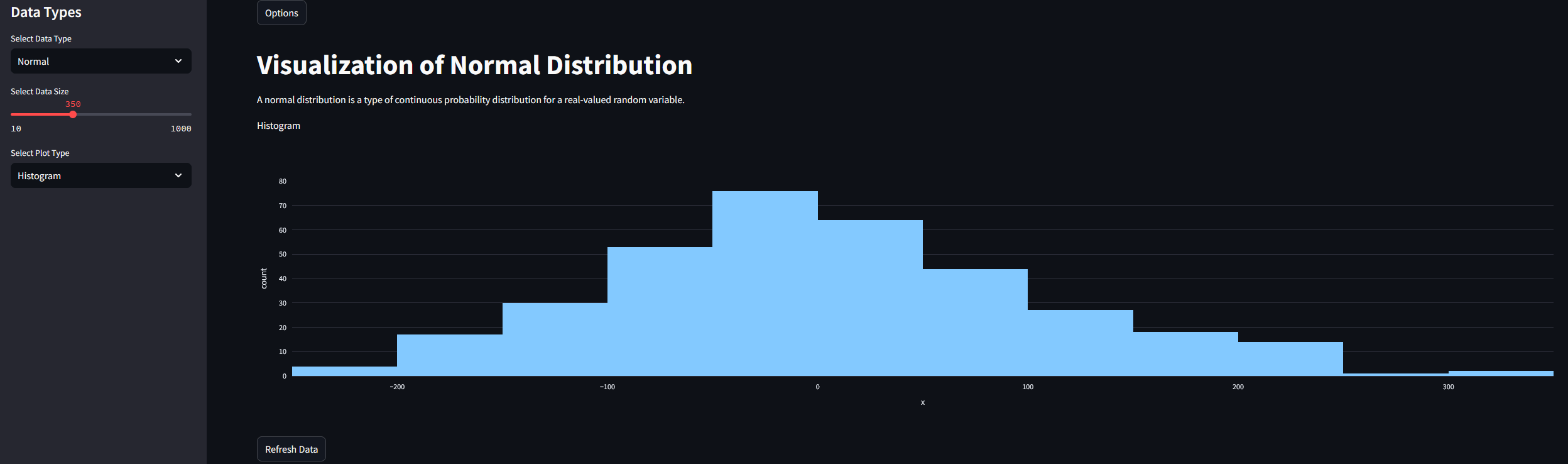
- Explore the Data: View a brief summary and interactive visualization.
- Refresh Data: Generate a new dataset at any time.
Try It Yourself
Open Live Demo
Features
- Dynamic Sidebar Controls
- Toggle sidebar state for better user experience
- Select different data types including Normal, Non-Normal, Random, Linear, Exponential, Poisson, Gamma, and Skewed
- Adjust the sample size with an interactive slider
- Choose from multiple visualization types: Histogram, Line Chart, Scatterplot, Heatmap, Box and Whisker Plot, and Bar Chart
- Data Generation
- Uses NumPy to generate various types of distributions
- Provides a brief summary of each distribution type to enhance learning
- Data Visualization
- Uses Plotly to create interactive charts
- Automatically updates charts based on user input
- Additional Features
- Refresh data functionality to generate new samples
- GitHub link to source code
- Footer crediting ChatGPT for assistance in development
Technologies Used
- Streamlit: For building the interactive web-based application
- Plotly: For creating dynamic visualizations
- NumPy: For generating statistical data distributions
- Pandas: For handling data transformations
- Streamlit Components: For embedding custom HTML elements
Live Demo & Source Code
Check out the source code on GitHub: beautifulcharts
Screenshots
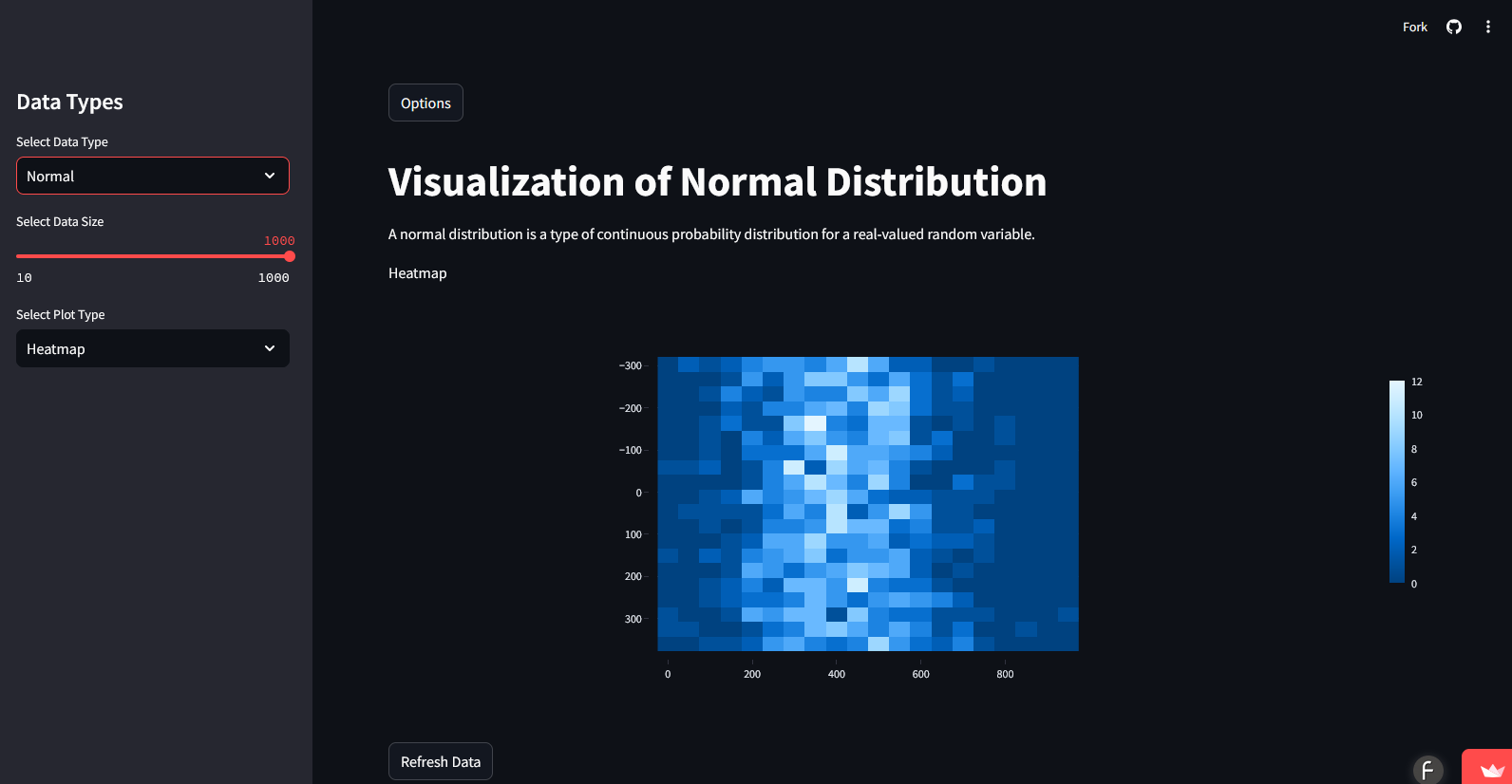
Note: See the details on GitHub, beautifulcharts.


